
Merchant setup
Review a sample business and prepare its catalogue and store for demo orders.
Try Merchant setupFor local ambition
For local merchants preparing to sell with Waka360. Build your business and store one step at a time.
Explore seller readinessMonrovia pilot preparation · Check each service separately.
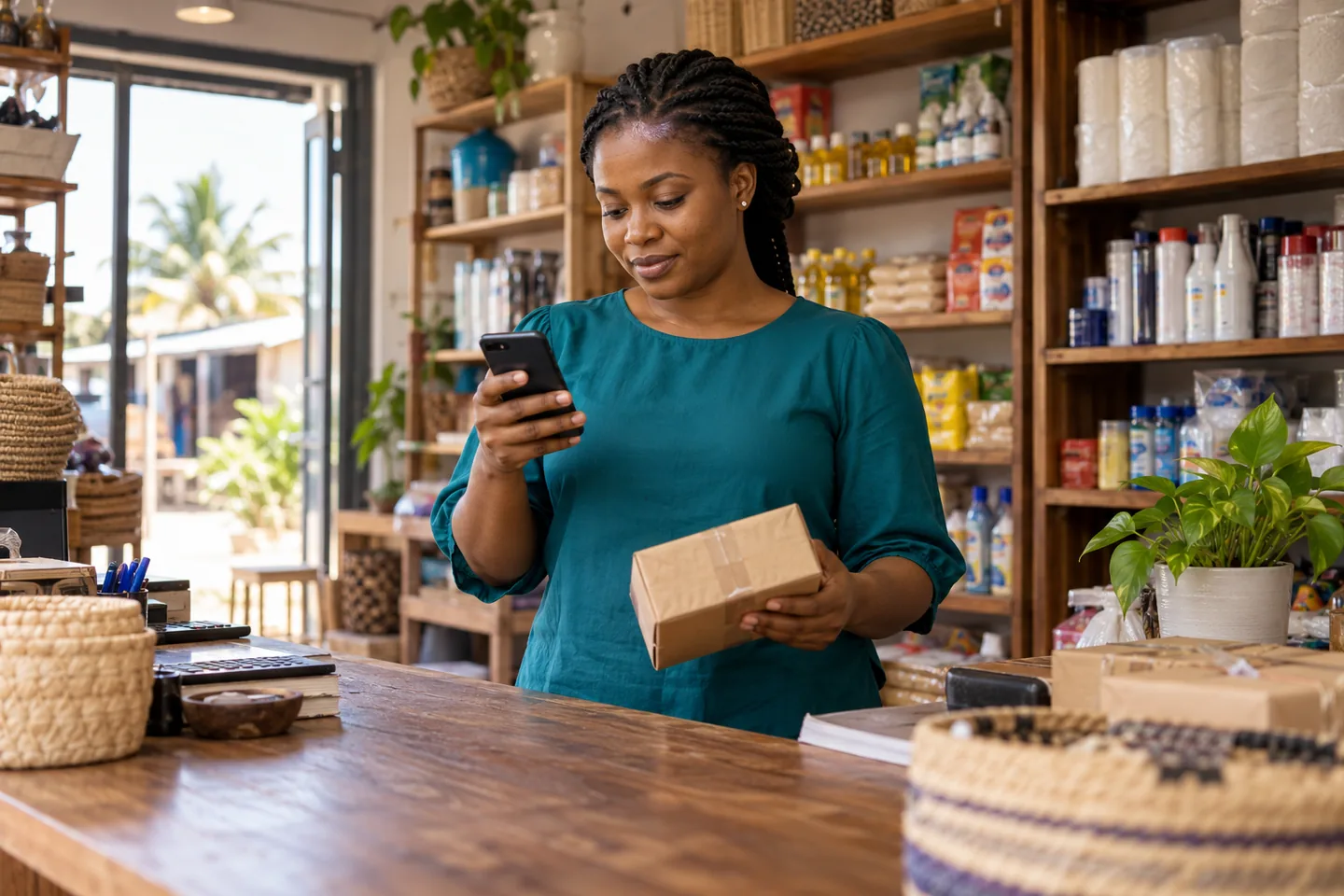 Illustrative imagery · Pilot in preparation
Preparation, approval and taking orders are separate stages.
Gather your business details, authorized contacts and the evidence requested for your market.
Use the Merchant workspace for submission, corrections and review decisions. Keep private evidence inside the workspace.
Add permitted products, accurate information and stock. A draft or preview is not a published listing.
Confirm operating hours, fulfilment, applicable settlement setup, policies and the required order-handling checks.
Store activation is a separate decision. Business approval does not make public ordering available.
Marketplace availability is checked independently from passenger rides.
Browse and ordering links will be published after the relevant marketplace release is verified. For an existing order, use the help route inside the account that placed it.
Check marketplace availabilityYour next step
Existing invited sellers can find their workspace even while public intake is restricted.
◇ Interactive demo
Use sample people and records to test the process. Demo activity does not create real trips, orders, applications or approvals.